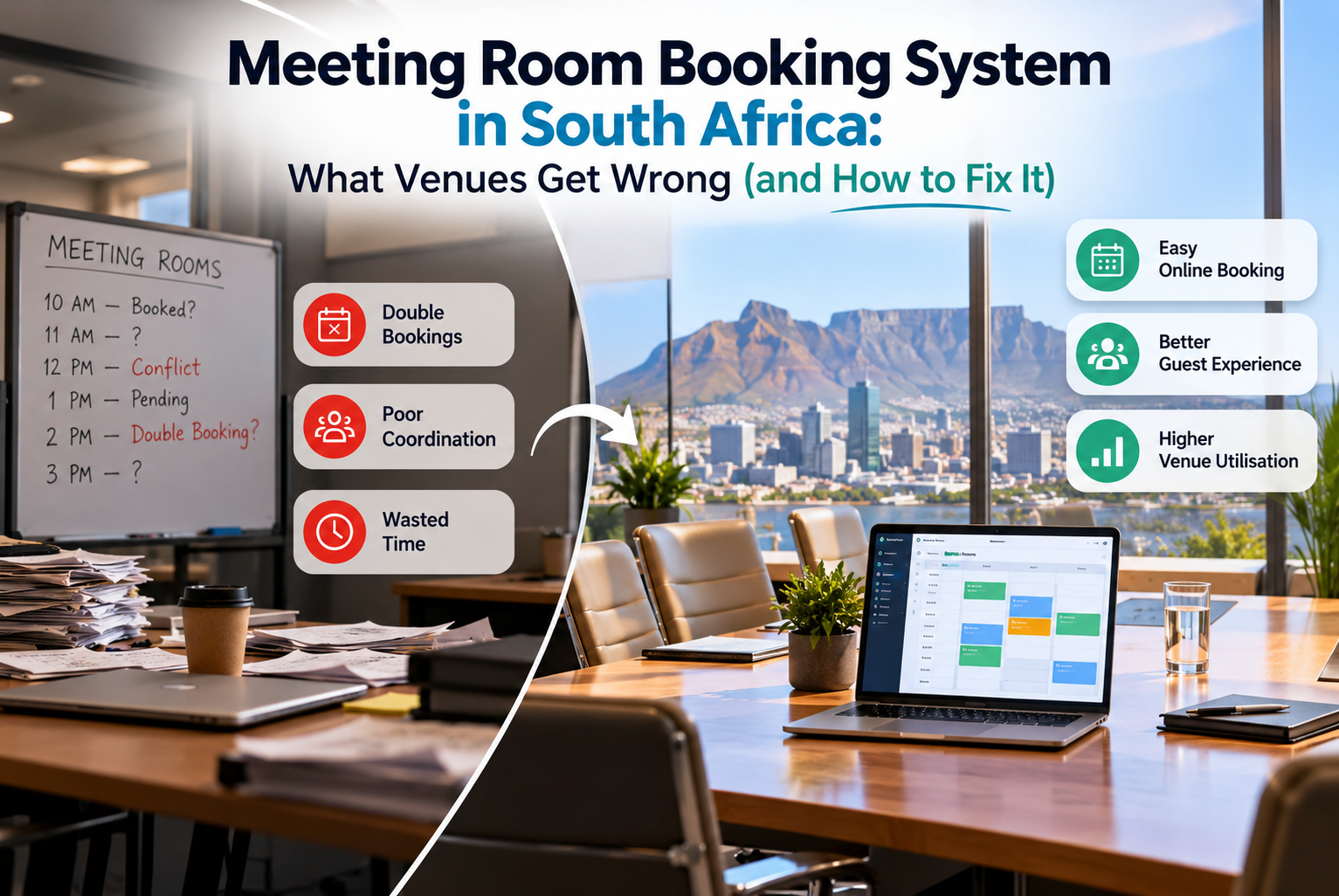
Picture a Monday morning at a conference center in Sand ton. A training company arrives at 8:00 expecting the boardroom they “confirmed” on a phone call two weeks ago. Meanwhile, an accounting firm is already sitting in it, because someone in sales wrote their booking in a different diary.
Nobody is lying. Nobody is lazy. The venue simply has three places where bookings live (an email inbox, a spreadsheet and a wall planner), and none of them agree.
This is the problem a meeting room booking system in South Africa is meant to solve. Below is what these systems actually do, what to look for, and the mistakes we see venues make when they choose one.
So, what is a meeting room booking system?
It’s software that keeps every room, date and booking in one place that your whole team can see at the same time. Customers can check availability and reserve a room, and you can send the quote, collect the deposit and track the invoice without leaving the system.
You’ll hear it called different things depending on who you ask. Some people search for a conference room booking system in South Africa, others type meeting room reservation system in South Africa, and plenty just say “room booking software”. They all describe the same thing: a live diary connected to the rest of your sales process.
It suits more than hotels. Training centers, co-working spaces, wedding venues with boardrooms, municipal halls and university campuses all use the same idea.
Why spreadsheets stop working
Spreadsheets are fine when you have two rooms and one person taking bookings. They fall apart quietly as you grow.
Someone saves a copy “just in case”. A colleague edits the old version. A provisional booking never gets released, so a room sits blocked for a client who ghosted you three weeks ago. When you try to work out which room made the most money last quarter, you spend an afternoon filtering columns.
A proper booking system fixes this by giving you a single source of truth. If something is booked, provisional or free, everyone sees the same answer at the same moment.
What to look for in meeting room booking software in South Africa
Feature lists all sound the same, so here’s what makes a practical difference day to day.
A diary people actually enjoy using. If your sales team finds it clumsy, they’ll go back to WhatsApp. You can see how ours looks in the Event Diary demo without signing up for anything.
Online booking on your own website. A lot of inquiries arrive in the evening or on weekends. If a customer can see availability and book straight away, you don’t lose them to the venue that replied first on Monday. Have a look at the Online Bookings demo.
Proposals and contracts that don’t need printing. Sending a clean online proposal and getting an electronic signature back shortens the gap between “interested” and “confirmed” a lot.
Payments tied to the invoice. Chasing deposits by email is slow and awkward. When the customer can pay from the invoice itself, your finance team stops playing detective.
A customer portal. Clients always ask the same questions: what time is setup, where’s the seating plan, can I see my invoice again? A customer portal answers those without a phone call.
Reports you will genuinely read. There are 15+ dashboard analytics and 40+ reports in our platform, but the honest test is simple. Can you find out your busiest day and your most profitable room in under two minutes?
Connections to the tools you already use. Re-typing booking data into your accounting package is how mistakes happen. Check what a system integrates with before you commit.
Four mistakes venues make when choosing a system
- Buying on price alone. The cheapest tool often lacks payments or reporting, and then you pay for those separately, or worse, keep doing them by hand.
- Skipping the demo with real data. A system looks great with sample bookings. Ask to see your own room list and your own typical booking set up in it.
- Forgetting the customer side. Plenty of venues pick a system that’s good for staff but awkward for clients. Your customers use it too, so test that side.
- Ignoring support. When something goes wrong on a Friday afternoon before a big event, you want a real person who understands venues, not a ticket queue.
A simple example of the booking journey
Here’s how one inquiry might flow through a system like this, using a hypothetical 40-person workshop:
- The client finds the room on your website and sees it’s free on the 14th.
- They send an inquiry; the room is held as provisional so nobody else can take it.
- You send an online proposal with the room hire and catering.
- They sign the contract and pay the deposit online.
- On the day, your team works from the same diary, with the setup and timings already there.
- At month end, the booking appears in your revenue report without anyone capturing it twice.
You can watch the whole flow in our booking life cycle video.
Common questions
Is this only for big hotels?
No. Small venues often notice the difference fastest, because one person is usually doing sales, admin and event day, and automation gives them hours back.
Do I need to install anything?
It’s cloud-based, so you log in through a browser. Your team can check the diary from the office, from home or on the floor during an event.
Can customers pay online?
Yes. Deposits and balances can be paid straight from the invoice, using a payment provider of your choice.
What about my accounting software?
It can connect to finance and payment tools so you aren’t capturing the same invoice twice. The integrations page lists what’s supported.
Next step
If your room bookings currently live in more than one place, the quickest way to judge whether a system would help is to see it working. Book a demo, get in touch or call us on +27 83 448 2323. You can also read more about who we are or browse other tips on our blog.