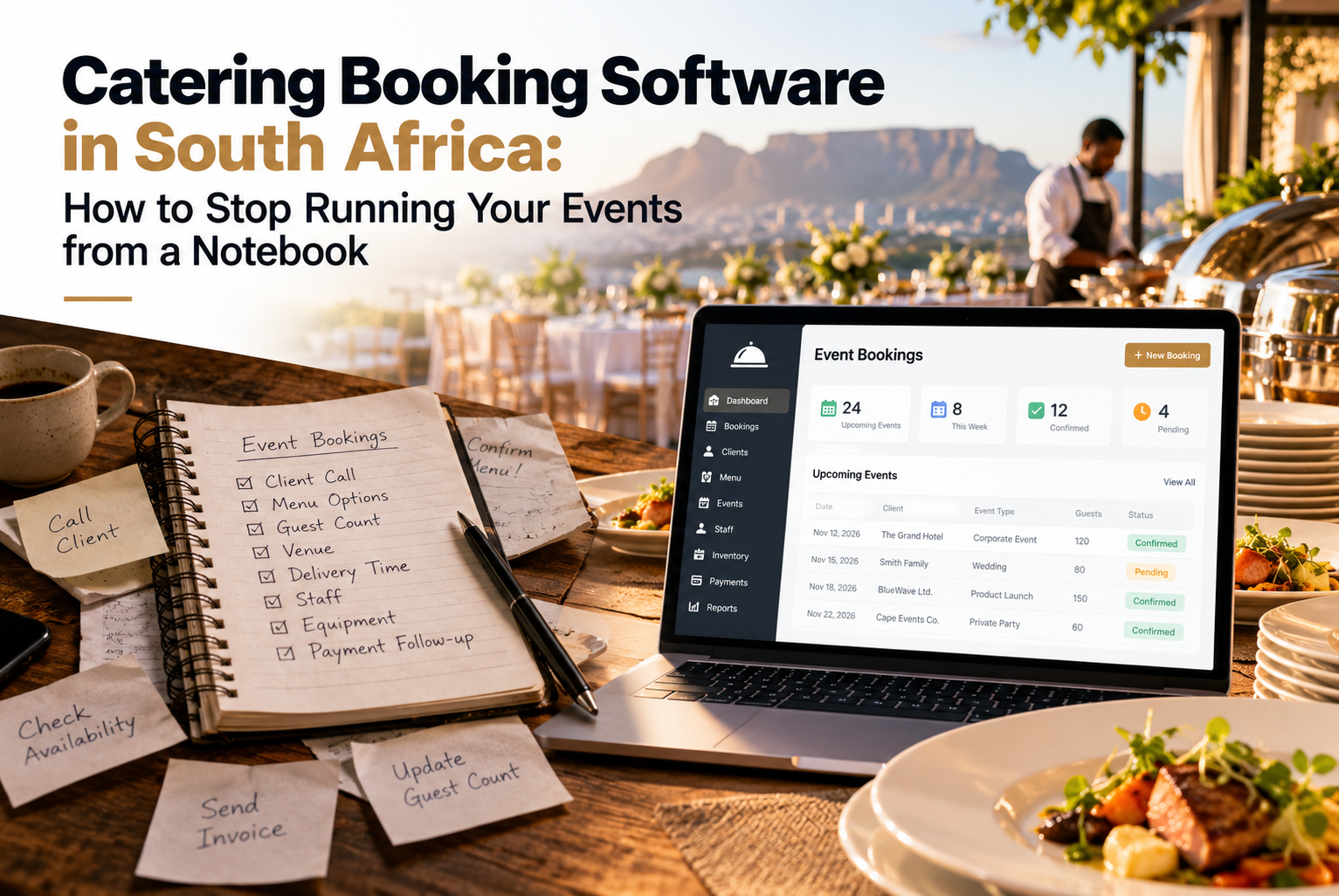
Think about a typical Friday for a caterer. You have a wedding for 120 in the afternoon, a corporate lunch for 40 at noon, and a phone call from a client who now wants “about 15 more” for Saturday. Somewhere in a WhatsApp thread is the vegetarian count, and somewhere else is the delivery time.
Most caterers don’t have a food problem. They have an information problem. This post explains how catering booking software in South Africa fixes that, what a good catering event planner should do, and how catering scheduling software keeps your kitchen, staff and clients on the same page.
Where catering businesses lose time and money
The cooking is rarely the issue. It’s everything around it:
- A quote sent by email that the client “can’t find”
- A headcount that changed twice and only one person knows
- Two events booked on the same day with only one team available
- Dietary requirements scribbled on a napkin
- A deposit nobody remembered to chase
Each of these is small. Together they cost you evenings, repeat clients and sometimes the event itself.
What is catering booking software?
It’s a system that holds your inquiries, quotes, bookings, schedules and payments in one place. Instead of piecing an event together from emails, messages and notebooks, you open one record and see everything about it.
People search for this in different ways. Some want a catering event planner in South Africa, others a catering booking system, and some just “catering software”. What they usually need is the same set of things: a clear diary, fast proposals, simple payments and a reliable plan for the day.
Catering scheduling software: why the diary matters most
If you only fix one thing, fix the schedule. A good scheduling view shows you:
- Which events are confirmed, provisional or inquiries
- How many events are happening on the same day, and where
- Which rooms or venues are in use
- What is coming up this week and this month
That is the difference between knowing you’re busy and knowing you’re overbooked. You can explore a working version in our Event Diary demo.
If you also run your own venue, you can manage rooms and catering in the same diary, so a boardroom booking and its lunch order never drift apart.
What to look for in catering booking software in South Africa
Feature lists blur together, so here’s what actually changes your week.
Proposals you can send in minutes. Clients compare quotes quickly. If yours arrives first and looks professional, you win more work. See what an online proposal looks like.
Contracts signed online. Printing, signing, scanning and emailing wastes days. Electronic signing gets you to “confirmed” faster. Take a look at the contract demo.
Payments tied to the booking. Deposits are what turn a maybe into a yes. When a client can pay straight from their invoice, you spend less time chasing and more time cooking. Try the online payments demo.
Guest, menu and dietary details in one place. This is the part caterers tell us they care about most. A table planner lets clients add guest names, menu choices and dietary needs, so the information reaches your kitchen directly and not through a long email chain.
A customer portal. Clients always ask for the same things: the final menu, the seating plan, their invoice. A customer portal lets them find it without calling you.
Reports on what really earns money. Which event types are most profitable? Which months are quiet? The dashboard and reports answer those questions without a weekend of spreadsheet work.
Connections to your accounting. Capturing the same invoice twice invites mistakes. Check the integration before you choose a system.
A catering event from inquiry to invoice
Here’s how a mid-sized job might run in a good system, using a made-up example of a 60-guest corporate dinner:
- The client enquirers and you hold the date as provisional.
- You send a proposal with menu options and pricing.
- They accept, sign the contract and pay a deposit online.
- Closer to the date, they confirm numbers and dietary needs through the portal.
- Your team works from the same schedule, so staffing and prep match the final headcount.
- After the event, the final invoice and your reports update without any retyping.
For a feel of the full journey, watch the booking life cycle video.
Three mistakes caterers make when choosing software
- Choosing something built for restaurants. Table bookings and event bookings are very different. Catering needs quotes, headcount changes, deposits and multi-day schedules.
- Ignoring what clients see. If the client side is awkward, you’ll get more phone calls, not fewer.
- Waiting until you’re “big enough”. Small caterers often benefit most, because one person is usually handling sales, admin and delivery.
Add two or three sentences about a real caterer or venue you work with: what their process looked like before and what changed. This is the best way to make the page unique. Link to your testimonials page if they agree to be named.
FAQS
Is this suitable for a small catering company?
Yes. Smaller teams often feel the benefit fastest because automation replaces hours of manual admin.
Can clients book and pay online?
Yes. Online bookings and payments can be set up so customers can reserve a date and pay deposits without back-and-forth emails.
Can I manage more than one event on the same day?
That’s exactly what a scheduling diary is for. You see all events together and spot clashes before they happen.
Will it work with my accounting package?
It can connect with finance and payment tools. The integration page lists what’s supported.
Next step
If your events currently live across emails, messages and a notebook, the easiest way to judge whether software would help is to see it working. Book a demo, contact our team or call +27 83 448 2323. You can also learn more about us or read other tips on our blog.