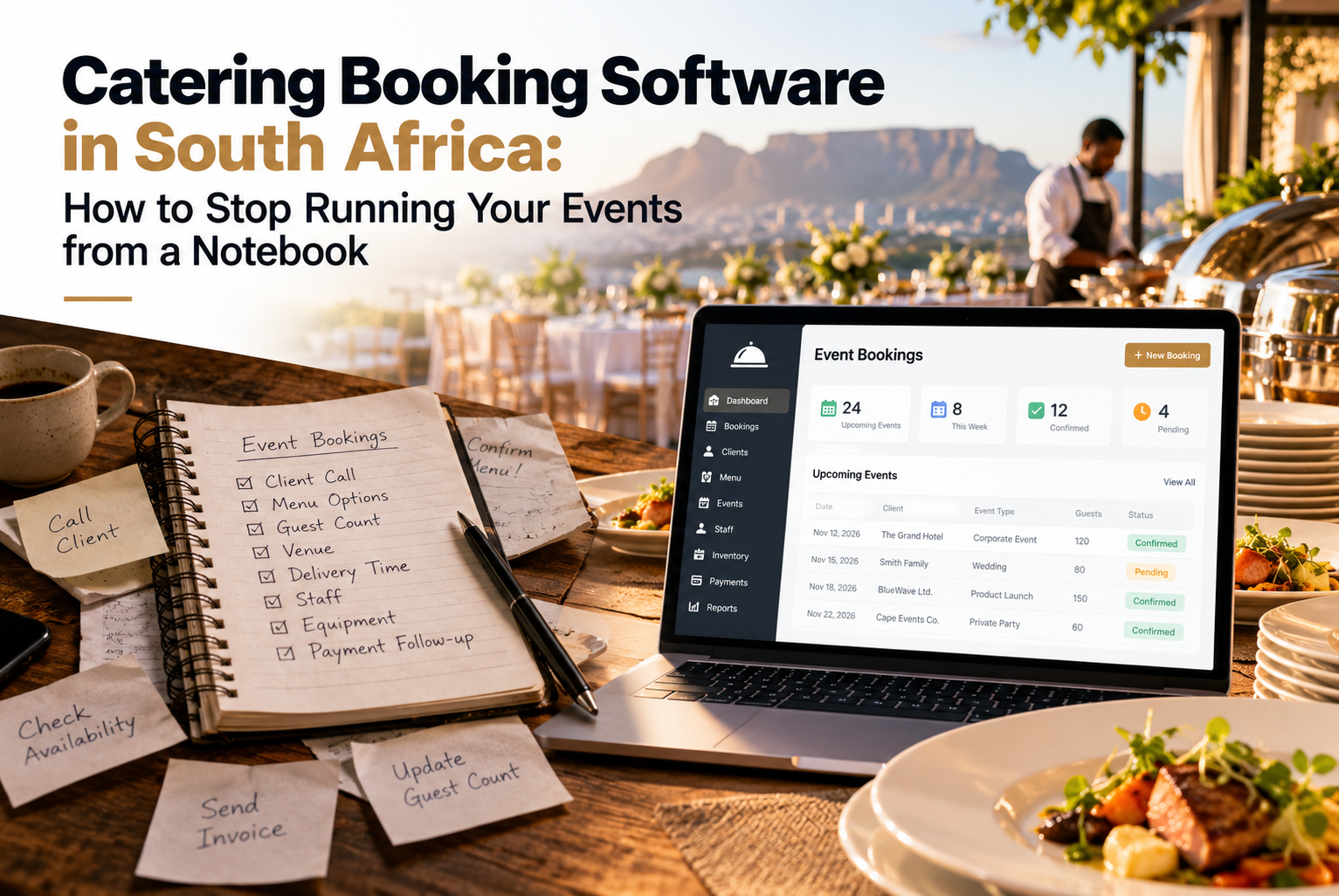
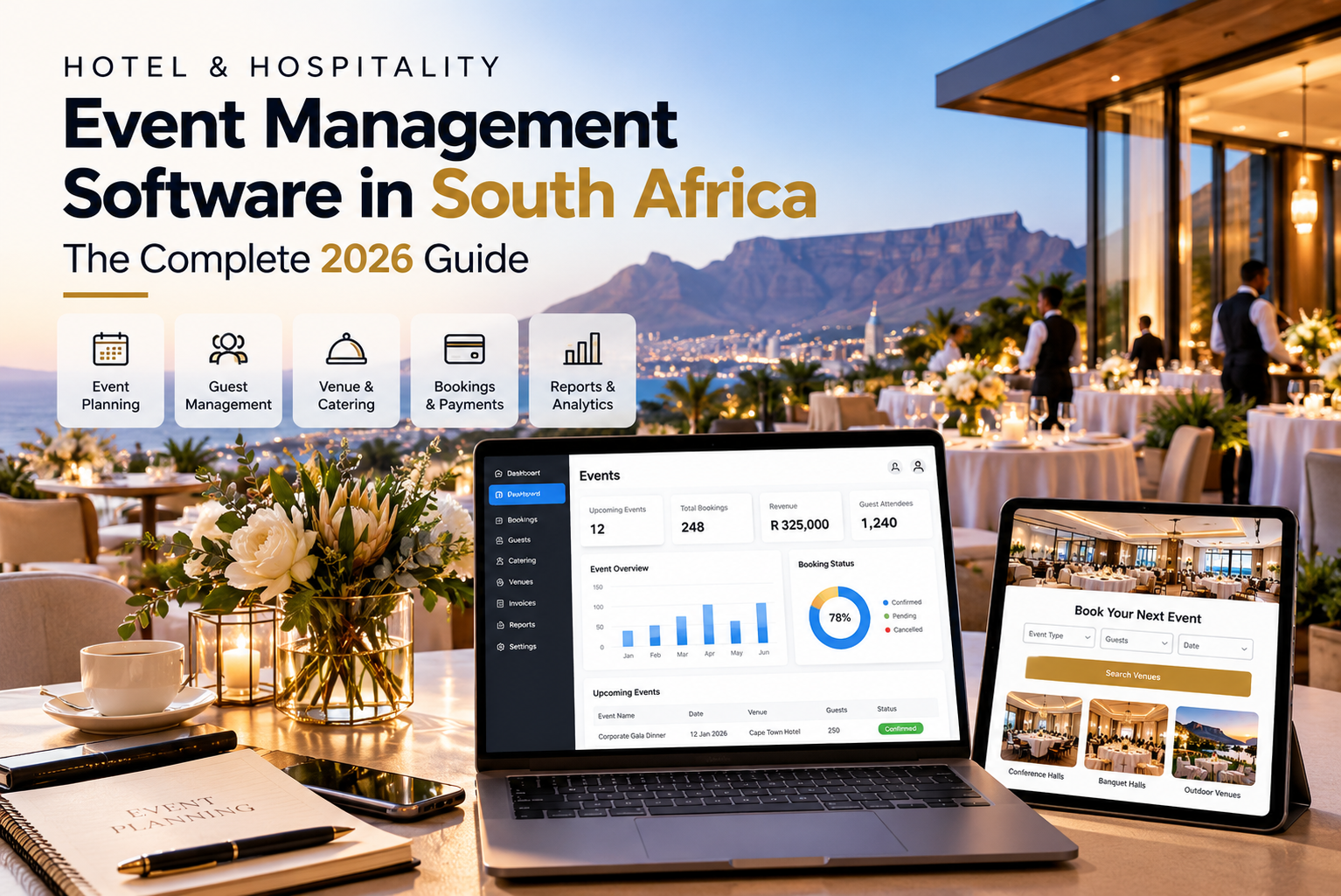
Picture a Friday afternoon in the events office of a South African hotel. A bride’s mother is on the phone asking whether the garden terrace is free on 14 March. Someone from a corporate client wants a revised quote for 120 delegates. The banqueting manager is hunting through an email thread to find out what was agreed on the menu. And somewhere in a spreadsheet, a ballroom has been promised to two different people.
If that sounds familiar, you don’t have a people problem. You have a tools problem. This is the gap that hotel event management software in South Africa is meant to close, and in this guide we’ll explain what it is, what to look for, and how to pick a system your team will actually use.
So, what is hotel event management software?
It’s a cloud-based system that keeps everything about an event in one place: the inquiry, the date in the diary, the proposal, the signed contract, the deposit, the table plan, and the final invoice. Nobody has to retype a client’s details five times, and nobody has to ask “which version is the latest?”
Hospitality event management software in South Africa is the same idea, built for businesses that sell space and service: hotels, lodges, conference centers, wine estates and wedding venues. It is not the same as ticketing software. You’re not selling seats to the public. You’re managing private and corporate events where the details change right up until the day.
If you’d like the bigger picture first, the Event Cloud Solutions homepage is a good place to start.
Why South African venues are moving away from spreadsheets
The local events market is busy and competitive. Weddings in the Win elands, conferences in Joburg, conventions in Durban, incentive trips to the bush: guests have plenty of choice, and they rarely contact just one venue.
That creates a few pressures most events teams will recognize:
- The venue that replies first with a clear, professional proposal often wins the booking.
- A double booking on a ballroom costs you money and a bit of your reputation.
- Manual admin quietly eats your margin. An hour spent copying details between documents is an hour not spent selling.
- Sales, banqueting, F&B and finance all need the same up-to-date information, not four slightly different ones.
- Management wants to know which rooms, packages and seasons really make money, and a spreadsheet can’t tell you that quickly.
Because the software is cloud-based, there’s also no office server to look after. Your team can open the diary from the office, from home or from the venue floor.
What to look for in a system
Here’s what matters most when you’re comparing options. We’ve linked a live demo for each so you can click around instead of taking anyone’s word for it.
A proper event diary. This is the heart of the whole thing. You should be able to see availability, room allocations and schedules by day, week or month, and confirm a date without second-guessing yourself. Have a play with the interactive Event Diary.
Proposals you can send in minutes. Speed wins business. Look for branded online proposals you can build quickly and tweak easily. Here’s an example of an online proposal.
Contracts that can be signed online. Printing, signing, scanning and emailing is a slow way to say yes. An online contract shortens that gap.
Online payments and deposit tracking. Getting paid shouldn’t mean chasing people. Make sure the system works with the payment providers you already use, and check the integration page to see what connects.
A customer portal. Clients like being able to log in and see their documents, schedules, seating plans and payments without phoning you. Your team will like it too. Take a look at the customer portal.
A table planner. Anyone who has planned a wedding seating chart over email knows why this matters. Clients drag and drop tables, add guest names, and note menu choices and dietary needs. Try the table planner.
Online bookings. An inquiry form on your site that works at 11pm on a Sunday is better than a voicemail on Monday. See how the online bookings module works.
Dashboards and reports. You can’t improve what you can’t see. Good reporting shows revenue, occupancy, lead sources and conversion rates at a glance. Browse the dashboard and the reports to get a feel for them.
Integration. The system should work with your accounting, payment and productivity tools rather than forcing you to start from scratch. Ask about this early.
What actually changes day to day
When a hotel moves its events onto one platform, the improvements are usually practical rather than dramatic.
Proposals go out faster, so you’re more likely to be the first reply in a client’s inbox. There are fewer mix-ups, because everyone looks at the same diary. Deposits arrive sooner, because clients can pay online instead of waiting on an EFT reminder. Clients feel looked after, because they can see their own event details. And when the general manager asks which event types earn the most, you can answer with a report instead of a guess.
Who is it for?
Mostly any venue that sells space alongside service:
- Hotels and resorts with conference, banqueting or wedding facilities
- Conference and convention centers
- Wedding and function venues
- Game lodges, wine estates and country clubs
- Hospitality groups running events across several properties
- Universities, training centers and multi-purpose event spaces
Want to know who’s behind the platform? Read about Event Cloud Solutions.
How to choose (without getting overwhelmed)
Demos can all start to look the same after the third one. These questions help cut through that:
- Was it built for venues and hotels? Generic event tools often struggle with room-based bookings and multi-day conferences.
- Is it cloud-based? You want secure access from anywhere and no server to maintain.
- Does it cover the whole journey? Inquiry to invoice should feel like one flow, not five separate apps.
- Will it connect to your accounting and payment tools? Double entry defeats the point.
- Is the pricing clear? Ask what’s included for setup, training and support, and whether anything is extra.
- What’s the support like? You’ll want a real person who answers quickly when you have a function on Saturday.
- Can you try it first? Use the interactive demos, then ask for a live walk through with your own scenarios.
- How is data handled? Ask how client and guest information is stored and protected, and how that fits with your POPIA obligations.
- What do other venues say? Read the testimonials and ask for references from venues like yours.
Mistakes we see venues make
Choosing on price alone is the big one. The cheapest tool can cost you far more in lost bookings and wasted hours. The others are leaving your sales, operations and finance teams out of the demo, skipping the integration questions, and signing up without a clear plan for data migration and training. A bit of planning before go-live saves a lot of frustration afterwards.
Where Event Cloud Solutions fits
Event Cloud Solutions supplies cloud-based event management software to hotels, conference centers, wedding venues, event spaces and hospitality groups in South Africa. It runs on the Events500 platform and brings the diary, proposals, contracts, online payments, customer portal, table planner, online bookings, dashboards and reports together in one system. Pricing is transparent, and there’s a team behind it that understands how venues work.
The easiest way to judge it is to see it:
- Book a live demo and bring your trickiest booking scenario
- Click through the interactive demos linked above
- Check the integration against the tools you already use
- Get in touch if you have questions about your venue