If you run a venue, you know the feeling. A wedding inquiry lands in your inbox on Friday evening. Someone else on your team has already penciled that same date for a corporate function. The deposit is sitting in a bank statement nobody has matched yet, and the client is asking for a table plan you haven’t started.
None of this means you’re bad at your job. It usually means your tools aren’t keeping up with your workload.
That’s the gap venue management software in South Africa is meant to close. Below, we cover what it actually does, which features are worth paying for, and how to pick one without getting buried in sales talk.
So, what is venue management software?
Think of it as one shared home for everything your venue does to sell and deliver events. Inquiries, availability, quotes, contracts, payments, client messages and reports all live in the same system, and everyone on the team sees the same information.
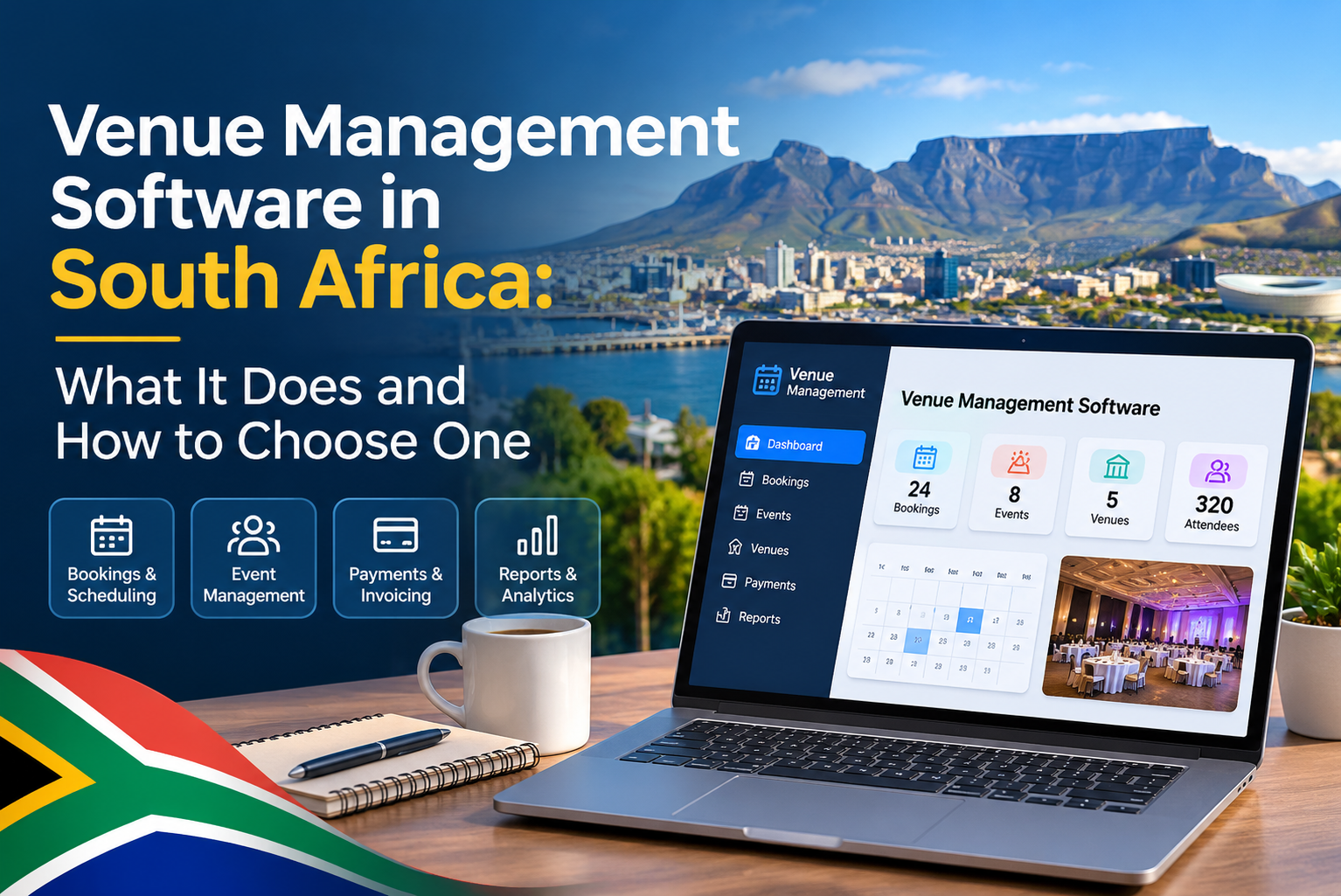
Most venue management solutions in South Africa include some mix of:
- An event diary showing what’s booked and what’s free
- Inquiry and lead tracking
- Proposals, quotes and contracts
- Online payments and deposits
- Client portals
- Reports on revenue and occupancy
The difference from a normal calendar and a pile of spreadsheets is that these pieces talk to each other. A booking made once flows through to the invoice, the event plan and the report, with no retyping.
Why spreadsheets stop working
Spreadsheets are fine when you host a few events a month. Once things get busy, the cracks show:
- Two people book the same room because the calendar wasn’t updated in time
- Quotes go out late, and the client has already signed with a faster venue
- Someone spends half a day chasing deposits and matching payments
- Nobody can say which marketing channel actually brings in bookings
- A staff member goes on leave and takes half the client history with them
A system built for venues fixes these by design. Event Cloud Solutions, powered by Events500, was made for hotels, conference centers, wedding venues and event spaces, so the workflow already matches how you work. You can get an overview on our event management software in South Africa homepage.
Venue booking software: from inquiry to signed contract
Good venue booking software in South Africa should make three things easy: seeing availability, replying quickly, and getting paid.
A diary you can read at a glance. Your team should be able to look at a day, week or month and know exactly what’s happening in every room. You can click through a live event diary demo and see for yourself.
Online bookings that work while you sleep. Many clients browse venues late at night. If your website lets them check availability and enquirer straight away, you don’t lose them until Monday morning. Here’s an online bookings demo.
Fast proposals and e-signed contracts. Speed wins venues. A polished online proposal followed by an online contract means no printing, scanning or waiting for couriers.
Payments without the chasing. Letting clients pay deposits and balances straight from the invoice, through the payment provider you choose, saves your team a surprising amount of admin. There’s an online payments demo if you want to try it.
Venue CRM: keeping track of every lead
A venue CRM in South Africa isn’t just an address book. It’s where you see every inquiry, who spoke to them, what was promised, and what happens next.
A useful venue CRM lets you:
- Collect inquiries from your website, email, phone and venue directories in one place
- See your sales pipeline, including what’s open, won and lost
- Look back at a client’s previous events and preferences
- Set follow-ups so warm leads don’t go cold
- Check which sources and spaces actually bring you business
The nice thing about having the CRM inside the same system as your bookings is that you don’t need to sync two tools and hope they match. A lead becomes a proposal, then a contract, then an event, all in the same record.
Venue CRM planner: when sales and planning share one system
Plenty of venues search for a “venue CRM planner” because they want the sales side and the event planning side to stop living in separate worlds.
A couple of tools make a big difference here:
Table planner. Drag and drop to build the layout, then let the client add guest names, menu choices and dietary needs themselves. For weddings and galas, that alone can save hours of email. Try the table planner demo.
Customer portal. Clients get one place to find their documents, seating plans and event details, instead of digging through old email threads. It also makes your venue look organized, which matters when someone is trusting you with their big day. Here’s the customer portal.
Because the plan is built from the original booking, your catering, setup and front-of-house teams are all working from the same up-to-date details.
Reports that tell you what’s working
Gut feeling only gets you so far. Real numbers help you decide where to spend your marketing budget, which spaces to promote, and when to push for more bookings.
Look for software that shows revenue trends, occupancy, inquiry sources and conversion rates without needing a data analyst. Event Cloud Solutions includes a dashboard with more than 15 ready-made analytics and 40+ reports you can run in a few clicks.
How to choose the right venue management software
Here’s a simple checklist to use when you’re comparing options:
- Is it made for venues? Generic booking tools often miss things like room allocations, proposals and table plans.
- Does it cover everything? Diary, CRM, proposals, contracts, payments and reports should all be in there.
- Is it cloud-based? Your team should be able to log in from anywhere.
- Is the pricing clear? Ask about setup fees, add-ons and anything that might appear later.
- Does it connect to your accounting and payment tools?
- Will someone pick up the phone? Good support matters most when something goes wrong on a busy weekend.
- Can you try it first? Look for live demos and honest testimonials.
Why venues pick Event Cloud Solutions
We built Event Cloud Solutions around one idea: venue teams should spend their time with clients, not wrestling with admin. The platform brings inquiries, proposals, planning, payments, reporting and client communication together, with clear pricing and a support team that understands how venues work. If you’d like to know who’s behind it, our About Us page tells the story.
FAQ
What is venue management software?
It’s a cloud platform that lets venues manage inquiries, bookings, proposals, contracts, payments, event plans and reports in one place.
Is venue booking software the same as a venue CRM?
Not quite. Booking software handles availability and reservations, while a CRM tracks leads and client relationships. The best platforms combine both.
Will it suit a wedding venue or conference center?
Yes. Tools like table planners, proposals and client portals are especially handy for weddings, conferences and corporate events.
Can clients enquire or book online?
Yes. An online bookings module on your website lets them do it 24/7.
Can I see it before I commit?
Absolutely. You can try the interactive demos or book a demo with our team.
Ready to take the pressure off?
If you’re tired of double bookings, late quotes and endless admin, it might be time to try a system built for venues. Request a demo or get in touch. You can also call us on +27 83 448 2323 or email info@eventcloudsolutions.com.
For more tips, browse our blog