If you run a hotel, conference center or meeting venue in South Africa, you probably know this moment. A client phones to ask whether the boardroom is free on Thursday. You check the spreadsheet, then the diary, then a WhatsApp message from a colleague, and you still can’t be sure. Meanwhile, another inquiry is sitting unanswered in someone’s inbox.
That mess is exactly what a meeting room booking system in south africa is meant to fix. But not every system is built for the same job, and picking the wrong one can cost you bookings.
This guide covers what these systems do, what to look for, and how to choose one that suits a South African venue.
What is a meeting room booking system?
A meeting room booking system (also called a meeting room reservation system or conference room booking system) is software that shows which rooms are available, lets your team book them, and keeps everyone looking at the same up-to-date schedule.
The basic version replaces the paper diary. The better versions go further. They handle the whole journey from the first inquiry to the proposal, contract, payment and the event itself.
That difference matters, so it helps to know which type you need.
Two types of meeting room booking software
1. Internal room scheduling tools
These are built for offices where staff book their own boardrooms. They’re simple and useful, but they aren’t designed to take inquiries, send quotes or collect payments.
2. Venue and conference booking software
These are built for businesses that sell their rooms to clients, such as hotels, conference centers, training venues and event spaces. They manage availability and the commercial side too: inquiries, proposals, contracts, payments and reporting.
If your rooms generate revenue, you almost certainly need the second type. Event Cloud Solutions focuses on this one. You can see how it works on our conference booking software page.
Seven things to look for in meeting room booking software
1. Real-time availability
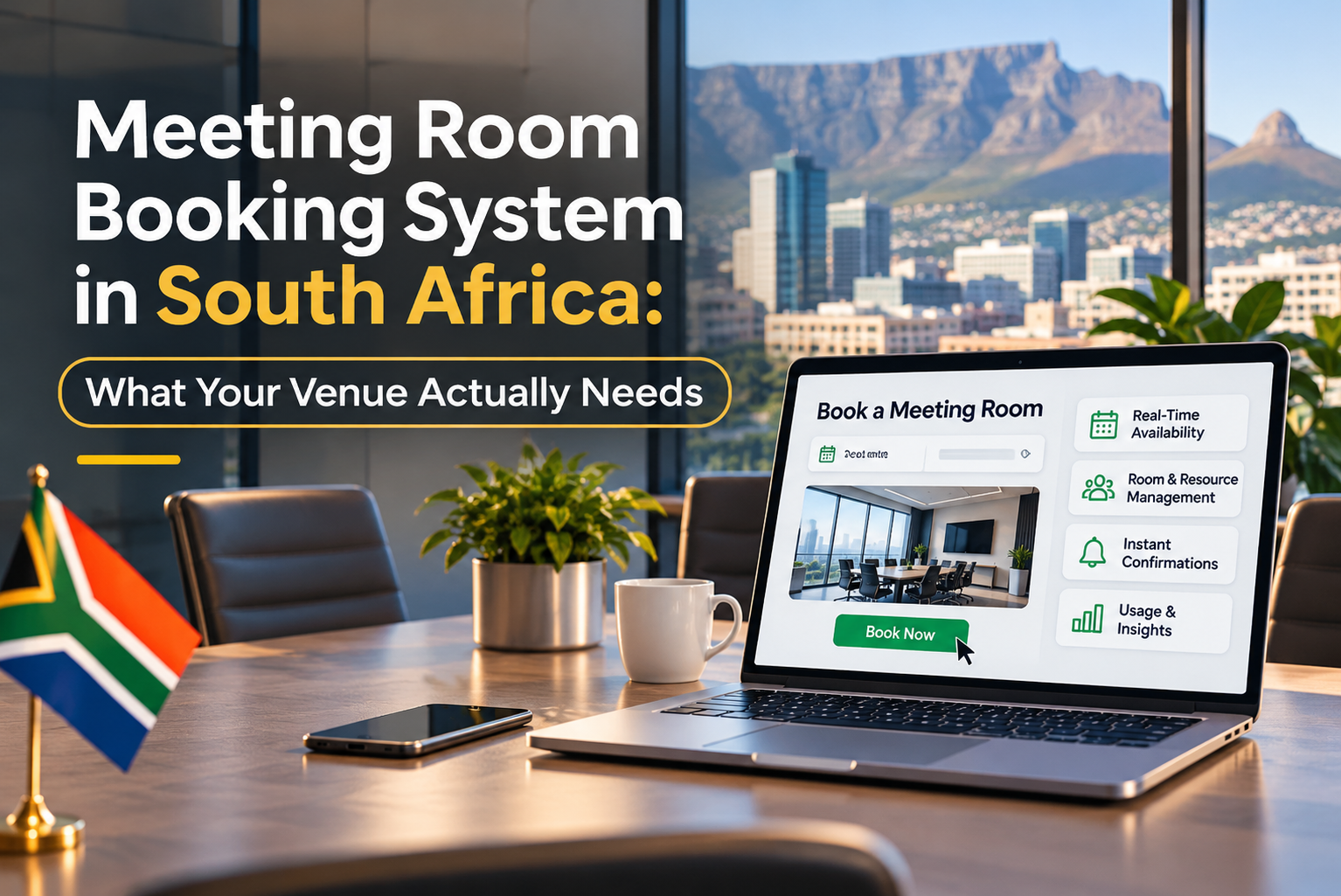
Your team should see which rooms are free, held or booked at a glance. This is the single biggest protection against double bookings, which are embarrassing and expensive. Our Meeting Room Booking Software is built around live availability across all your spaces, so nobody has to guess.
2. A built-in CRM
Many venues lose business not because they’re fully booked, but because an inquiry was never followed up. A conference CRM keeps every client’s inquiries, emails, proposals, contracts and booking history in one profile, so your sales team always knows what to do next.
3. Proposals and contracts in one place
If you’re copying details from an email into a Word document and then into a diary, you’re doing the work twice. Look for a system that turns an inquiry into a proposal, then a contract, without retyping. You can try this yourself in our interactive proposal demo and contract demo.
4. Online bookings and payments
Clients increasingly expect to enquirer, book and pay online, not wait for office hours. A good system lets them do that while your team keeps full control. Take a look at the online bookings demo to see the client’s side.
5. Cloud-based access
Cloud software means your team can check availability from the office, from home, or from a site visit, without relying on one computer or a local server. For South African businesses that plan around power and connectivity interruptions, that flexibility is a real advantage.
6. Reports that show what’s working
Which rooms earn the most? Which months are quiet? Where do inquiries drop off? Good reporting answers these questions so you can price and plan with facts. Explore the reports demo and dashboard demo to see examples.
7. Integration with the tools you already use
Your booking system shouldn’t live on an island. Check that it connects with your accounting, payment and communication tools. See what we support on our integration page.
Signs you’ve outgrown spreadsheets and shared calendars
You may be ready for proper meeting room booking software if:
- You’ve had a double booking in the last year
- Inquiries sometimes get a reply days later, or not at all
- Only one person really understands the booking diary
- Quotes and contracts are built manually each time
- You can’t easily tell which rooms or clients are most profitable
- Chasing deposits and payments takes up real staff time
If three or more of these sound familiar, the cost of staying manual is probably higher than the cost of switching.
How to choose the right system for your venue
Before you book a demo, answer these questions:
- Who books your rooms? Staff only, clients online, or both?
- Do you sell rooms, or just schedule them? This decides whether you need a CRM, proposals and payments.
- How many rooms and event types do you manage? Some venues have a few boardrooms; others run full conferences with catering and equipment.
- What does your team spend the most time on? Start by fixing that.
- Can you try before you commit? Hands-on demos tell you more than any brochure.
See it in action
The best way to judge a meeting room booking system is to use it. You can explore the Event Diary demo right now, or schedule a personal demo and we’ll walk you through it using your own venue’s setup in mind.
To see how other venues have found the switch, read our client testimonials. To learn more about who we are, visit our About Us page. For more tips on running a busier, better-organized venue, browse the Event Cloud Solutions blog.
FAQ
What is the best meeting room booking system in South Africa?
There’s no single best option; it depends on whether you’re scheduling internal rooms or selling rooms to clients. Venues that sell space usually do best with software that combines availability, CRM, proposals, contracts and payments in one platform.
What’s the difference between a conference room booking system and a meeting room reservation system?
In practice the terms are often used interchangeably. Both describe software for reserving rooms. The real difference is in features: simple reservation tools only manage the calendar, while venue software also manages clients, quotes and payments.
Can meeting room booking software prevent double bookings?
Yes. By showing live availability to everyone on your team, it removes the guesswork that causes clashes between diaries, spreadsheets and messages.
Is cloud-based meeting room booking software suitable for South African venues?
Cloud-based software lets your team access bookings from anywhere with an internet connection, which suits venues with multiple staff, sites or hybrid working.
How do I get started?
Request a demo, tell us how your venue works today, and we’ll show you how the system would fit.
Ready to stop losing bookings to admin?
If your team is tired of diary clashes, lost inquiries and manual paperwork, we’d love to show you a better way.
Request a demo or contact us to talk through your venue’s needs. You can also call +27 83 448 2323 or email info@eventcloudsolutions.com